
Convert Your Photo to Pixel Art with AI
Transform photos into retro pixel art instantly. Our AI converts any image into stunning 8-bit and 16-bit style pixel artwork. Perfect for gaming avatars and retro designs.
Upload your image
Customise (optional)
Sign in to generate images
Credits start at $3 for 10 images
See the Transformation
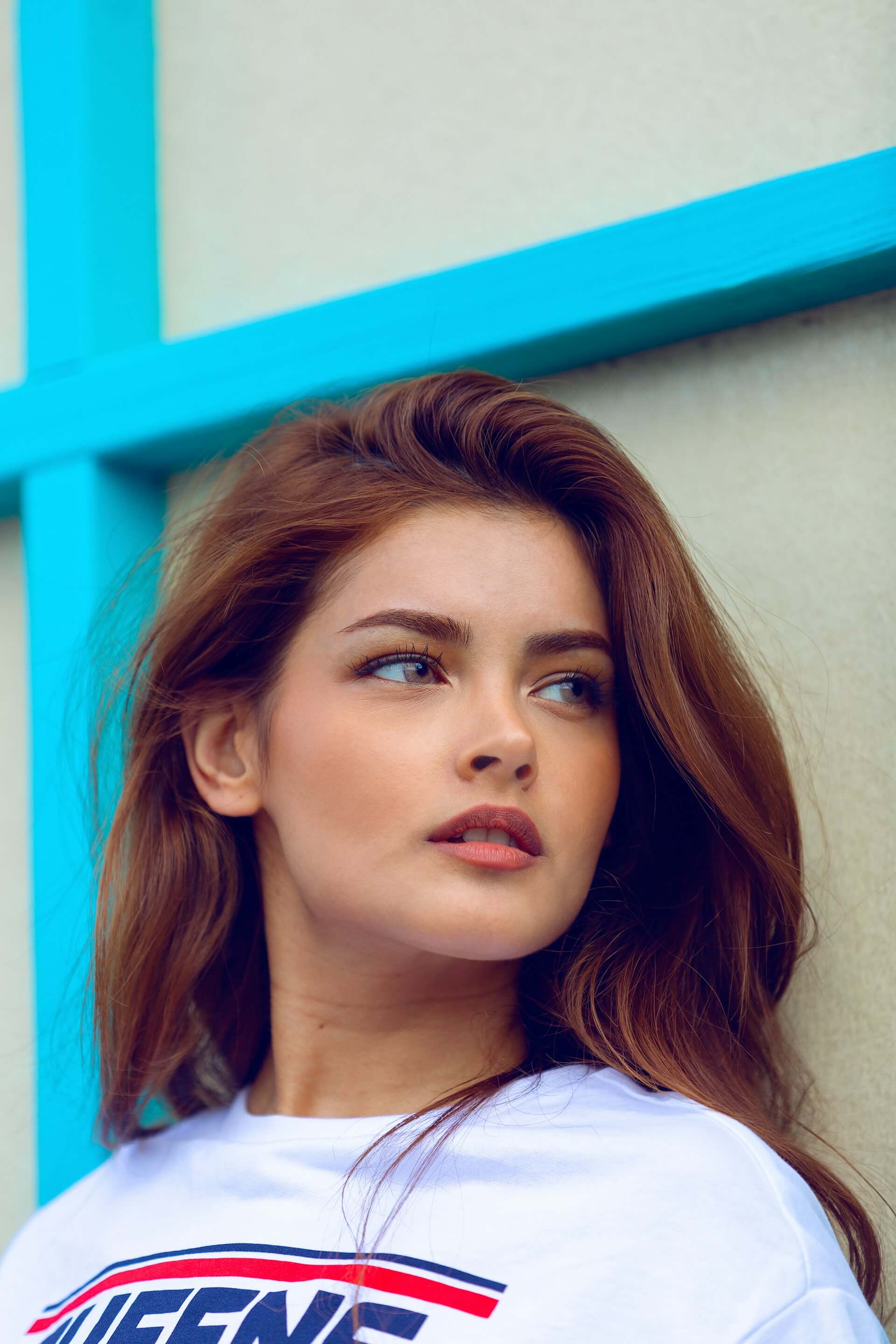
Before
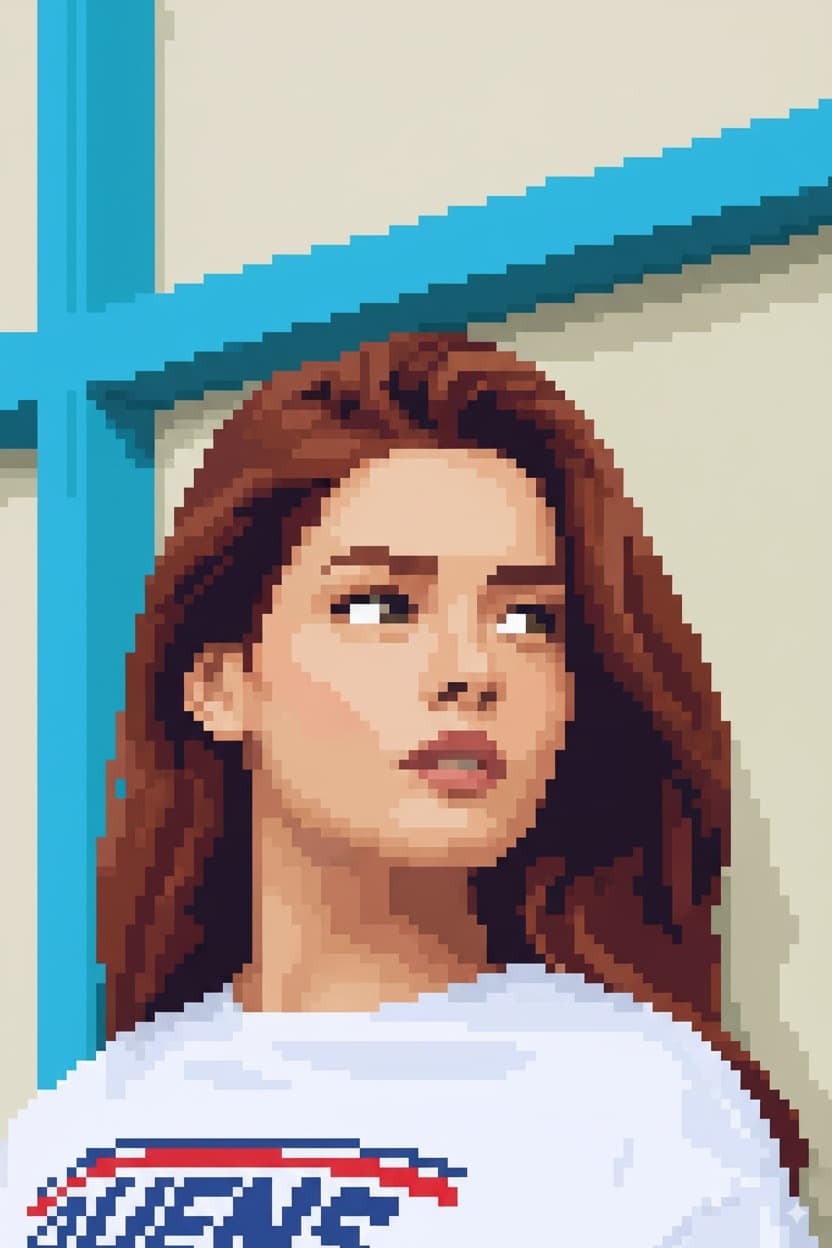
After
How It Works
Upload Photo
Upload any photo from your device
Select Style
Choose the Pixel Art style
Generate
Click generate and wait a few seconds
Download
Download your converted image
Credits start at $3 for 10 images or 1 video
Frequently Asked Questions
Is this just pixelating my photo or actual pixel art?
This is genuine pixel art generation, not simple pixelation. Pixelating a photo just makes it blocky and muddy. Our AI reinterprets your image using pixel art techniques — limited color palettes, intentional dithering, clean edges, and deliberate pixel placement that real pixel artists use.
What pixel art resolution does the output use?
The AI selects an appropriate pixel density based on your image content, typically producing results in the 64x64 to 256x256 pixel art range, then upscaling cleanly for display. This gives you that authentic retro look while keeping the file usable at modern screen sizes.
Can I use the pixel art for my game or commercial project?
Yes, you retain full rights to the generated pixel art. Many indie game developers, streamers, and content creators use our tool to quickly generate character portraits, avatar concepts, and promotional artwork for their projects.
Which photos convert best to pixel art?
Photos with clear subjects and good contrast produce the best pixel art. Portraits, character poses, and objects with distinct silhouettes translate especially well. Very busy or cluttered backgrounds may lose detail at pixel art resolution, so simpler compositions tend to shine.
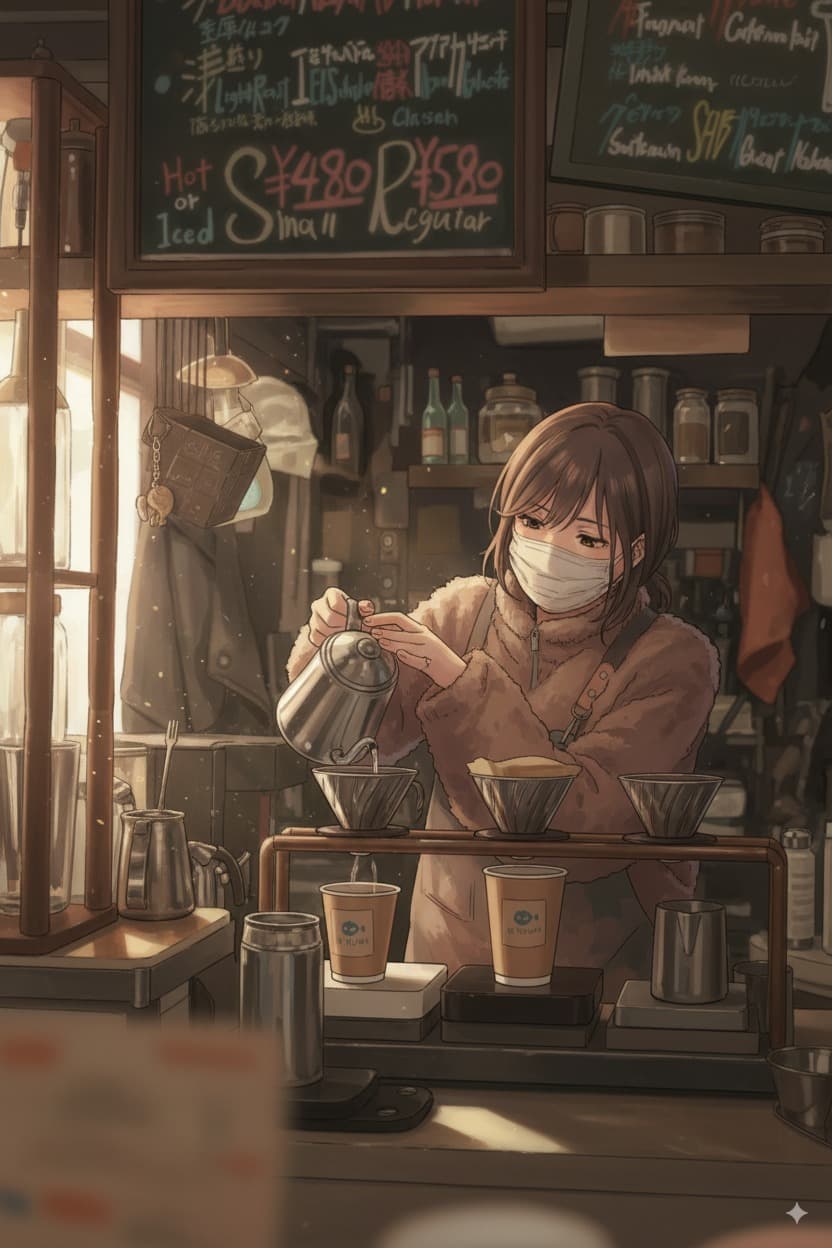
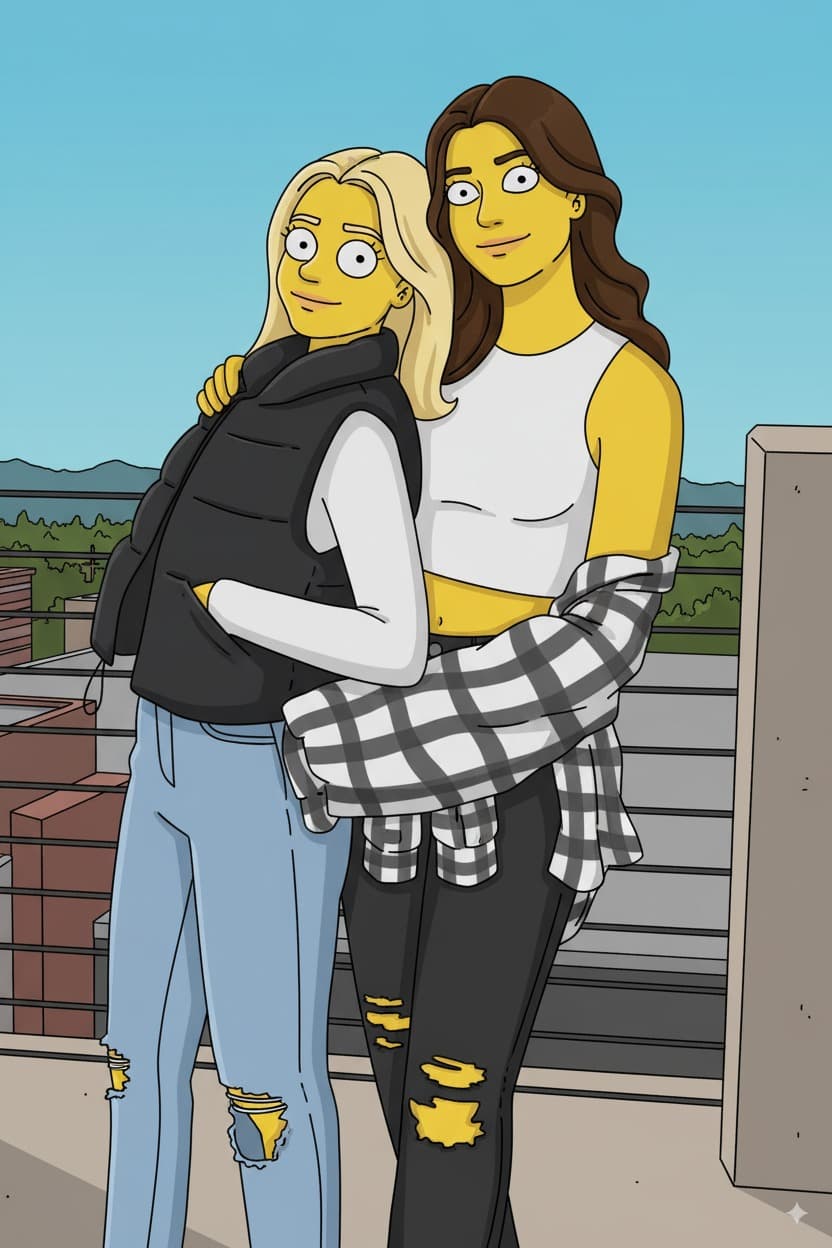
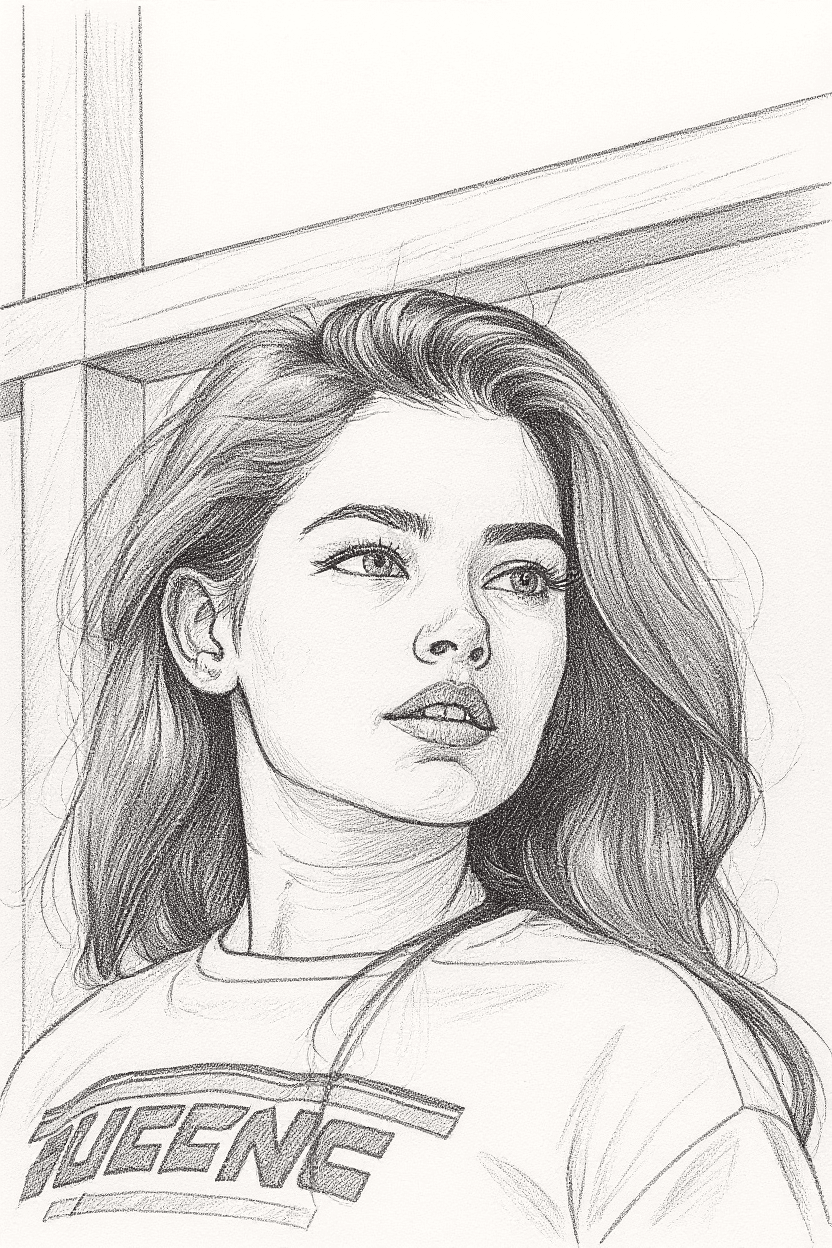
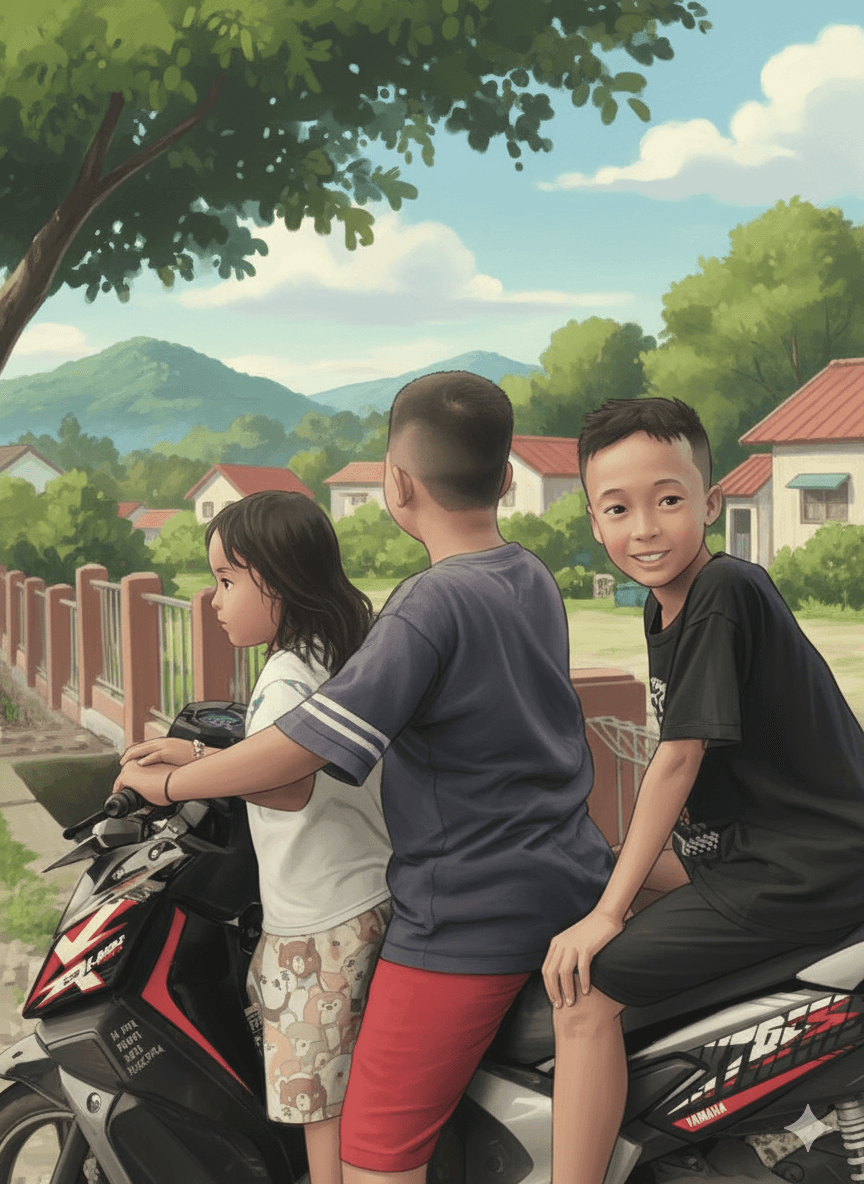
More Conversions
Ready to convert your photos?
Credits start at $3 for 10 images or 1 video