
Convert Your Photo to a Pencil Sketch Online
Turn any photo into a realistic pencil sketch drawing with AI. Get beautiful hand-drawn style artwork from your images in seconds. Natural graphite and charcoal effects.
Upload your image
Customise (optional)
Sign in to generate images
Credits start at $3 for 10 images
See the Transformation
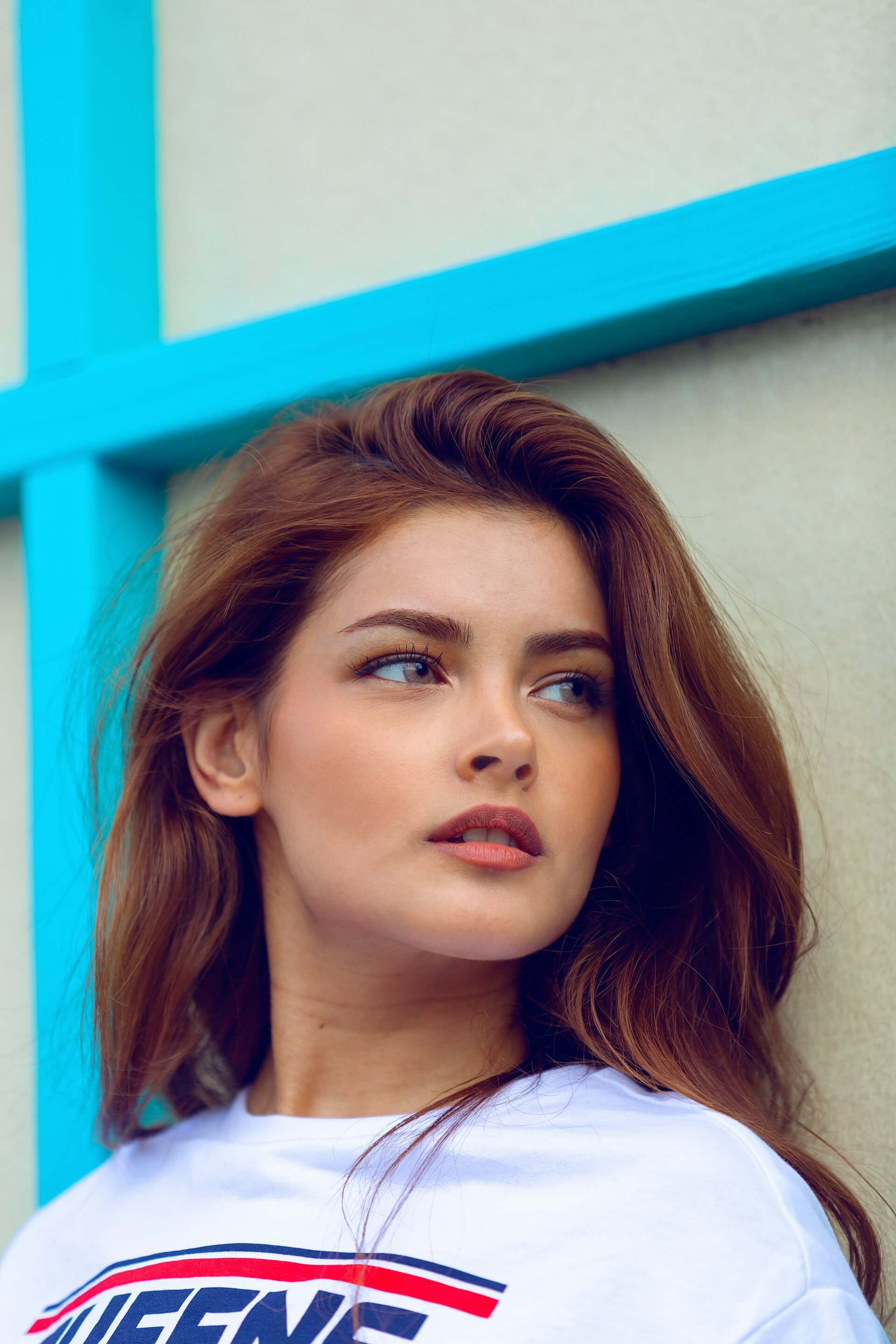
Before
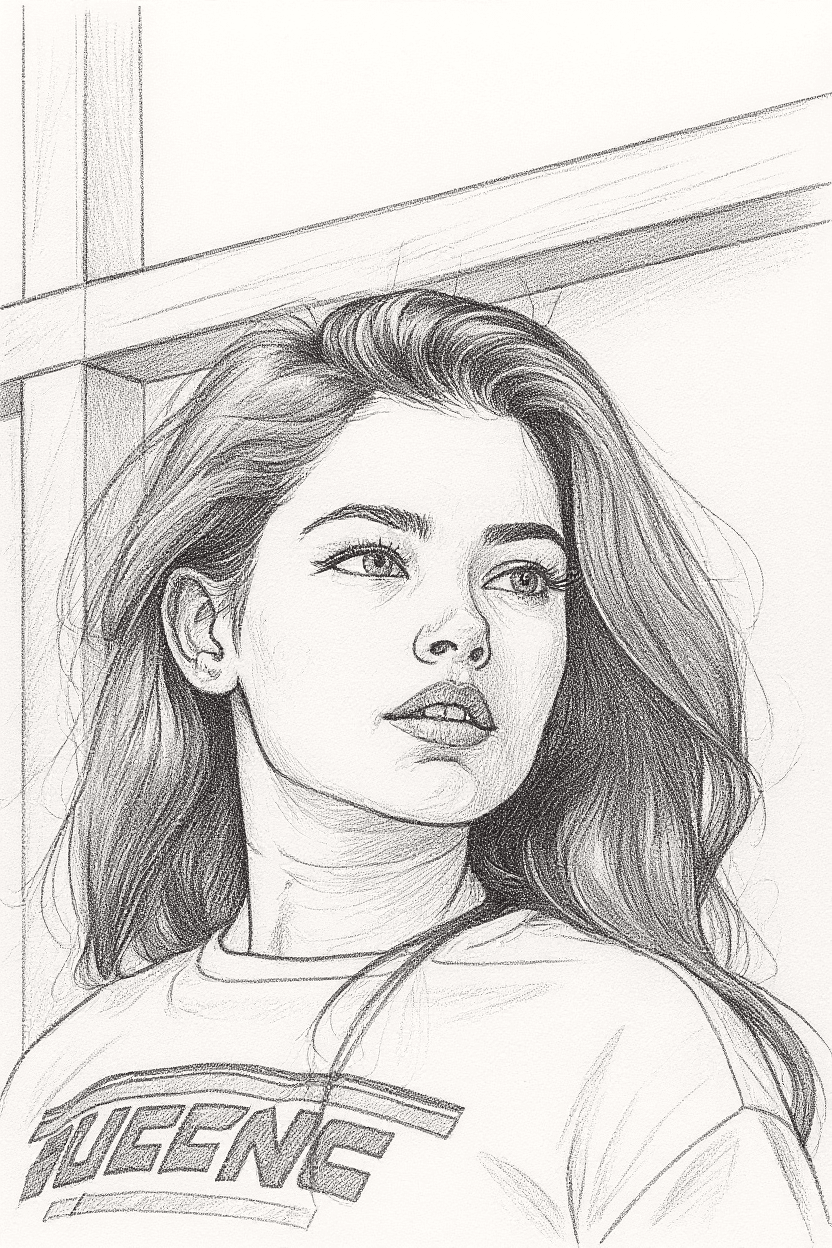
After
How It Works
Upload Photo
Upload any photo from your device
Select Style
Choose the Pencil Sketch style
Generate
Click generate and wait a few seconds
Download
Download your converted image
Credits start at $3 for 10 images or 1 video
Frequently Asked Questions
Does the sketch look like a real pencil drawing or a filtered photo?
Our AI generates genuine pencil stroke patterns including hatching, cross-hatching, and blending rather than applying a grayscale filter. The output includes realistic paper texture and stroke variation that closely mimics hand-drawn graphite artwork. Most viewers cannot distinguish it from a real sketch.
Can I choose between different pencil sketch styles?
The current conversion produces a classic graphite pencil sketch with natural tonal range. It automatically adapts its technique based on your image — using finer detail for portraits and looser strokes for landscapes. The AI makes stylistic decisions to best suit each particular photo.
Is the sketch output suitable for printing and framing?
Yes. The output is high-resolution and looks excellent when printed. Many users print their sketches on textured art paper for an even more authentic feel. The results work well at sizes up to poster dimensions depending on your original photo resolution.
What subjects work best for pencil sketch conversion?
Portraits are the most popular choice and produce striking results. Architecture, pets, flowers, and landscapes also convert beautifully. Photos with good lighting contrast and clear subjects translate best into the pencil medium, as the AI has more tonal range to work with.
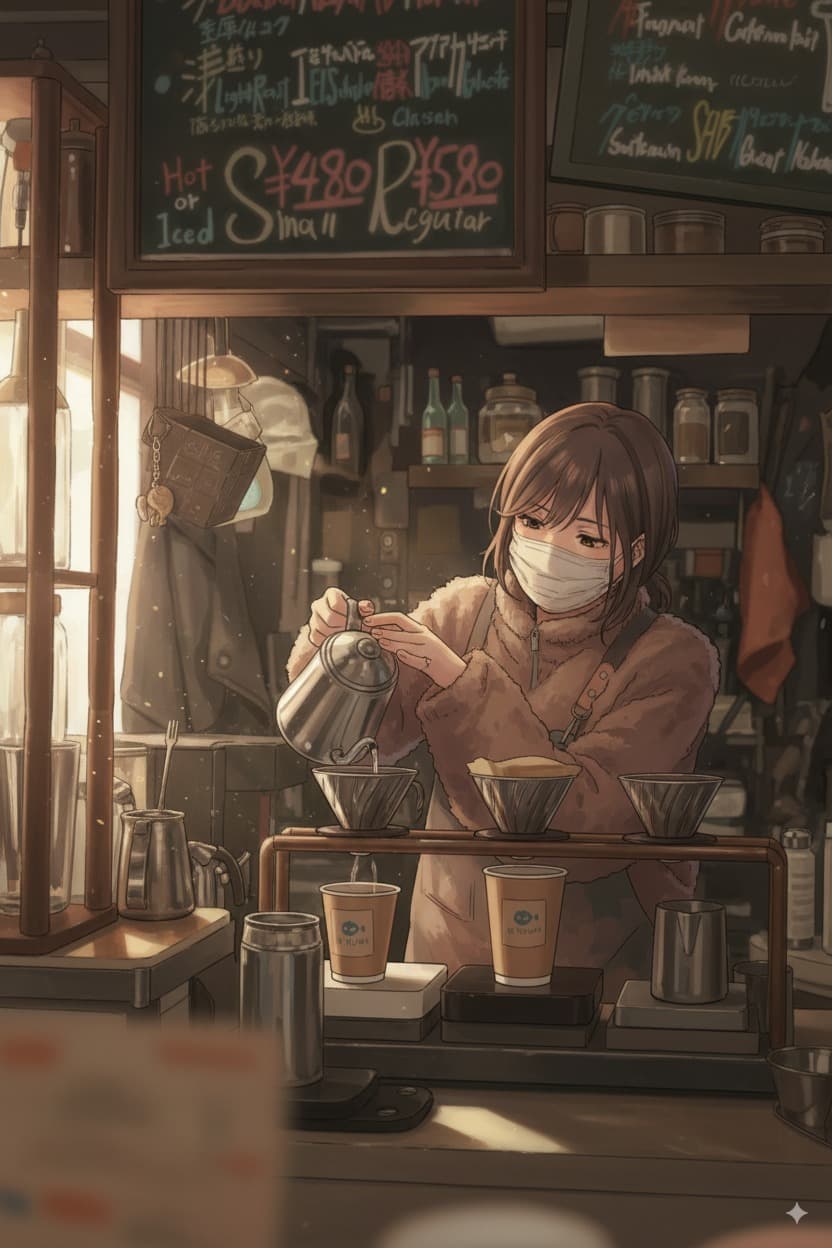
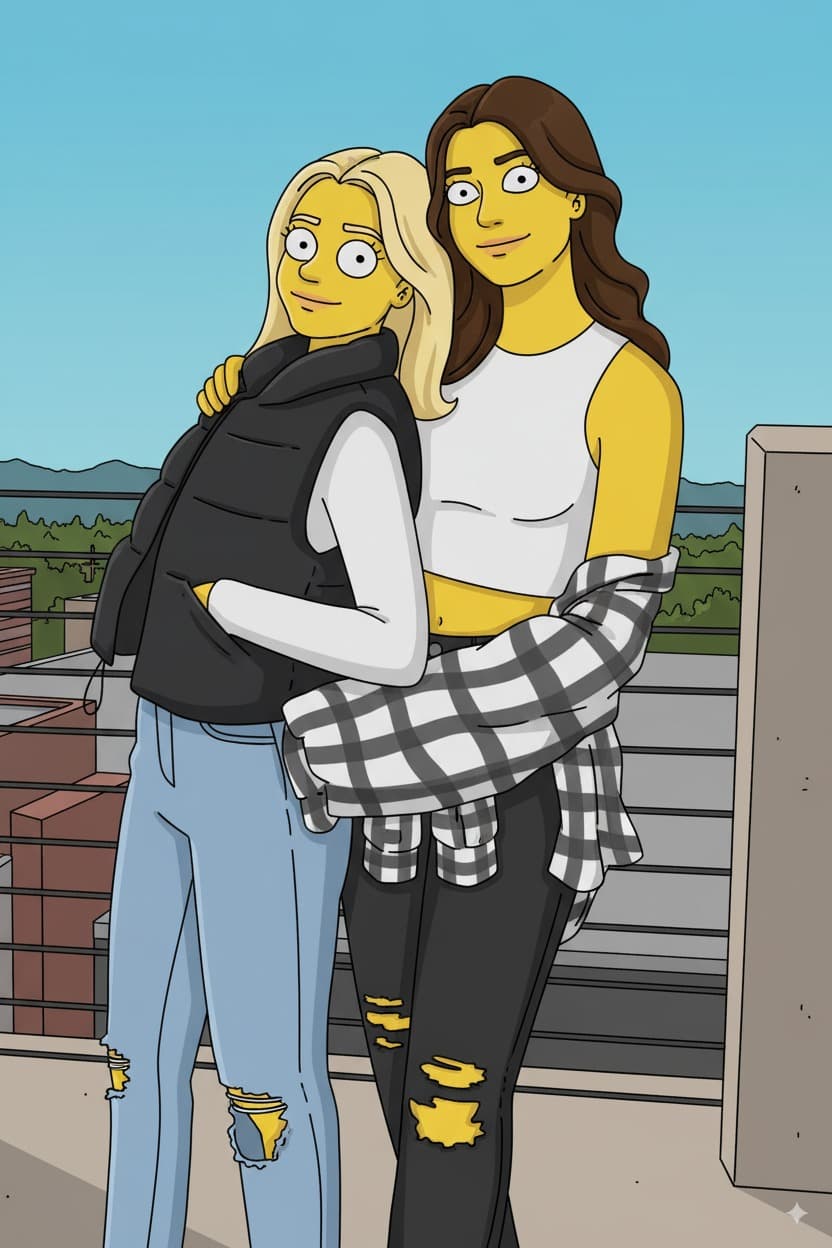
More Conversions
Ready to convert your photos?
Credits start at $3 for 10 images or 1 video