
Give Your Photo a 1920s Vintage Look with AI
Transform photos into stunning 1920s vintage portraits. Art Deco glamour, sepia tones, and Jazz Age elegance powered by AI. Create timeless vintage artwork instantly.
Upload your image
Customise (optional)
Sign in to generate images
Credits start at $3 for 10 images
See the Transformation
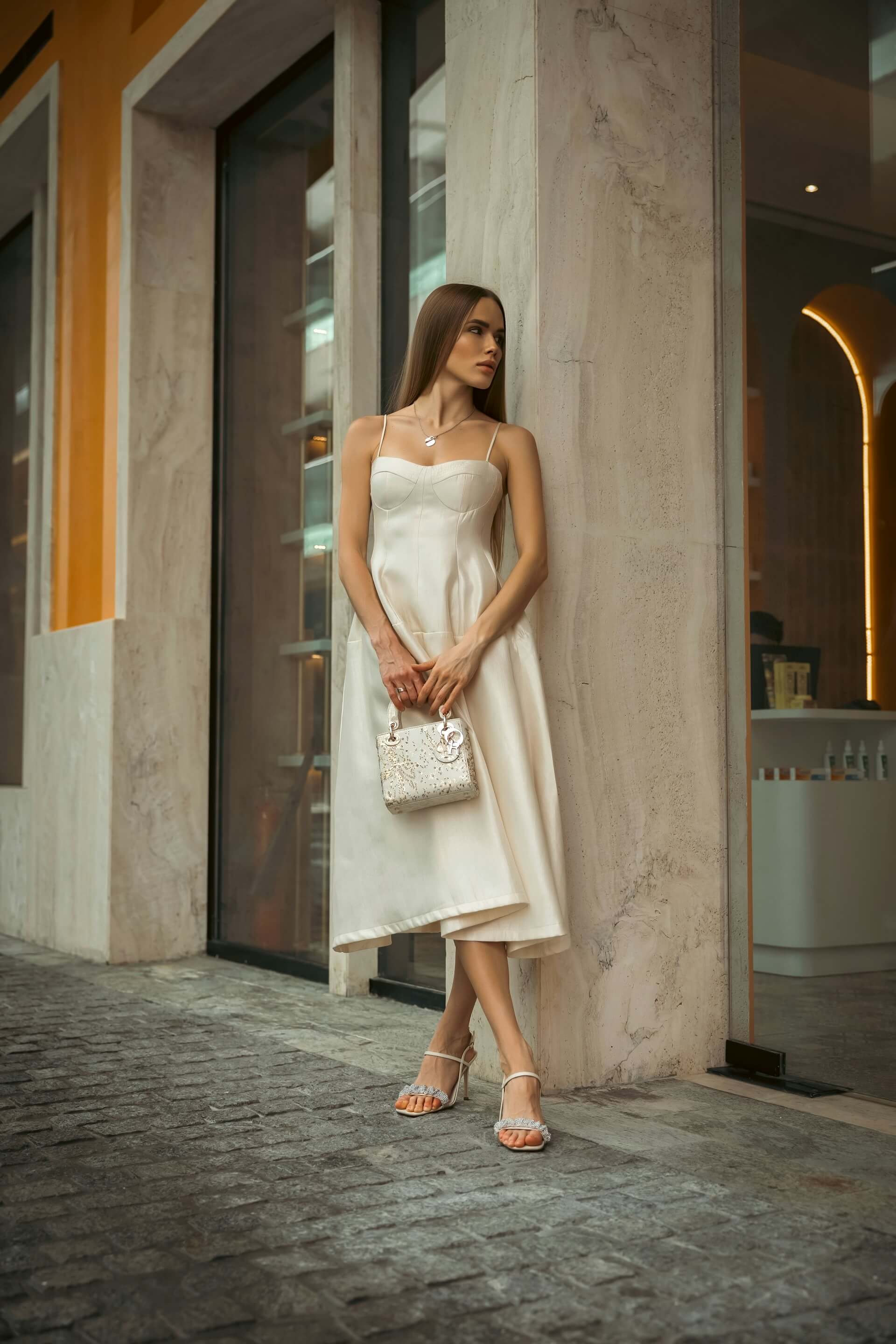
Before
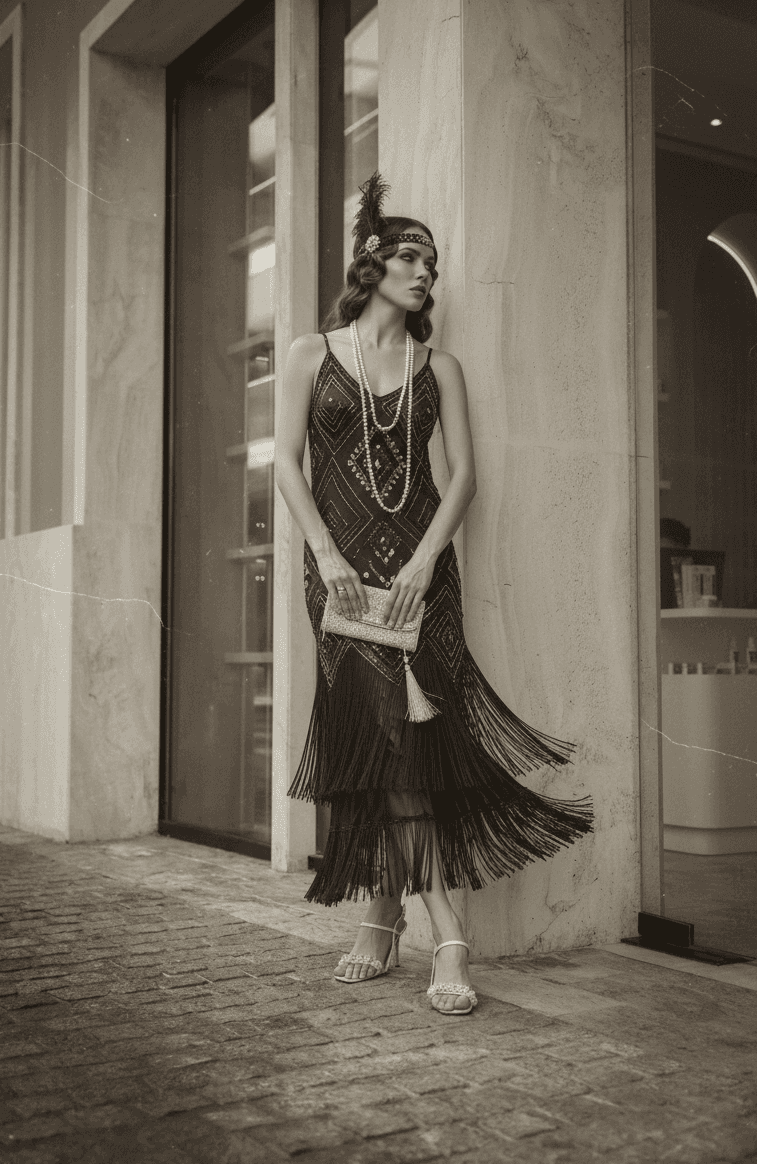
After
How It Works
Upload Photo
Upload any photo from your device
Select Style
Choose the 1920s Style style
Generate
Click generate and wait a few seconds
Download
Download your converted image
Credits start at $3 for 10 images or 1 video
Frequently Asked Questions
Does the conversion make my photo look like an old photograph?
It goes beyond simulating an old photo. The AI applies the full aesthetic of 1920s visual culture — Art Deco design elements, period-appropriate lighting techniques, vintage fashion sensibilities, and the compositional style of the era. The result feels like a genuine period piece, not just a sepia filter.
Will my modern clothing be visible in the vintage conversion?
The AI subtly reimagines modern clothing to better fit the 1920s aesthetic, adjusting colors, textures, and styling cues. You will not be wearing a completely different outfit, but the rendering softens modern elements and introduces vintage qualities that help the overall image feel cohesive with the era.
What makes this different from a sepia filter?
A sepia filter simply shifts the color of an existing photo. Our conversion re-renders the entire image with period-appropriate lighting, composition, background elements, fashion adjustments, and artistic techniques. The result is a completely new artwork that embodies 1920s visual culture, not a tinted version of your original.
Is this style suitable for event invitations?
Extremely well suited. The 1920s Gatsby aesthetic is enormously popular for themed events, weddings, and parties. Converting photos of hosts or guests into this style creates stunning invitation artwork, save-the-date cards, and event branding that sets the perfect tone.
More Conversions
Ready to convert your photos?
Credits start at $3 for 10 images or 1 video