
Turn Your Photo into a 3D Animated Character with AI
Transform any photo into a 3D animated movie character with expressive eyes, smooth textures, and cinematic lighting. AI-powered Pixar-style conversion in seconds.
Upload your image
Customise (optional)
Sign in to generate images
Credits start at $3 for 10 images
Before & After
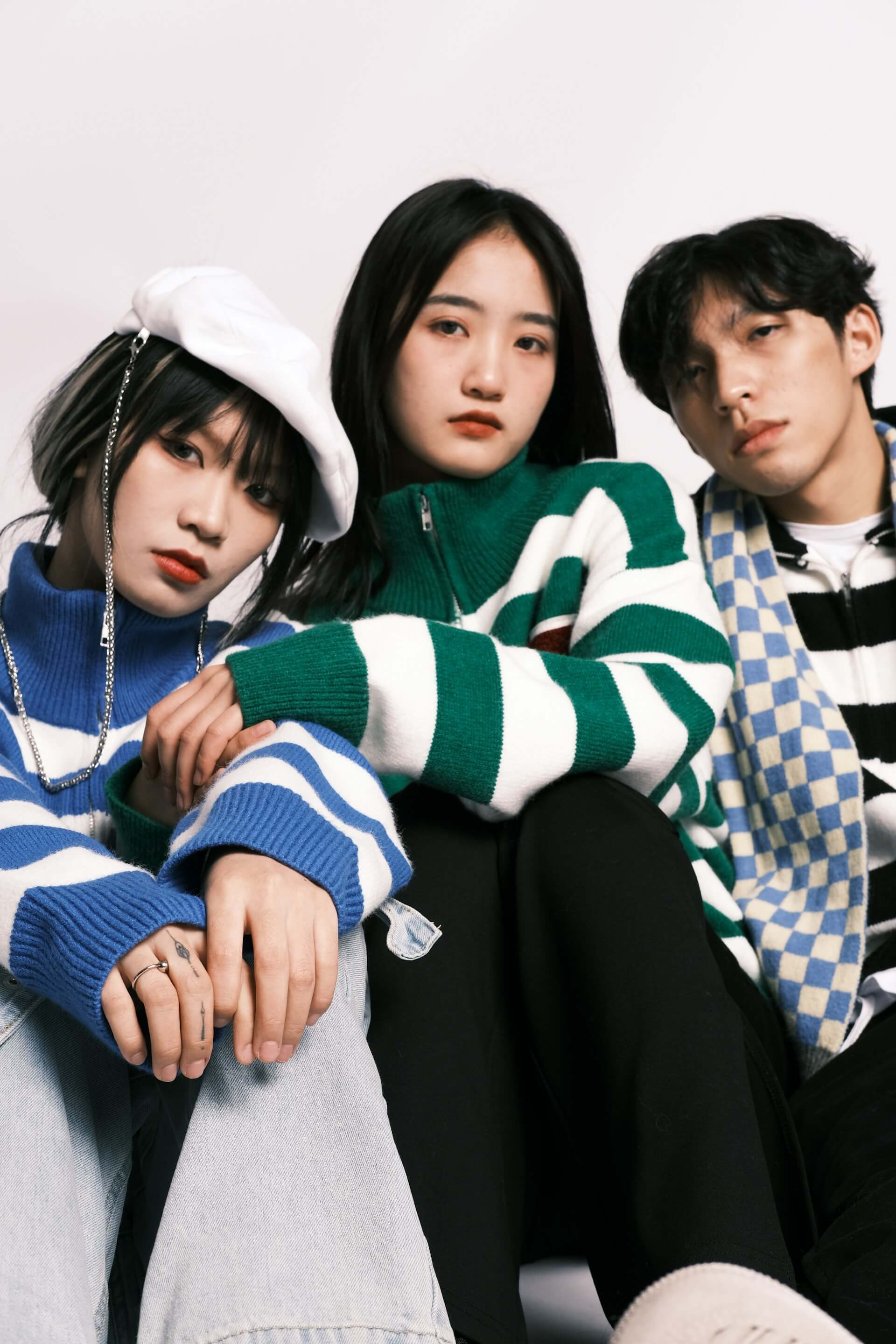
Before
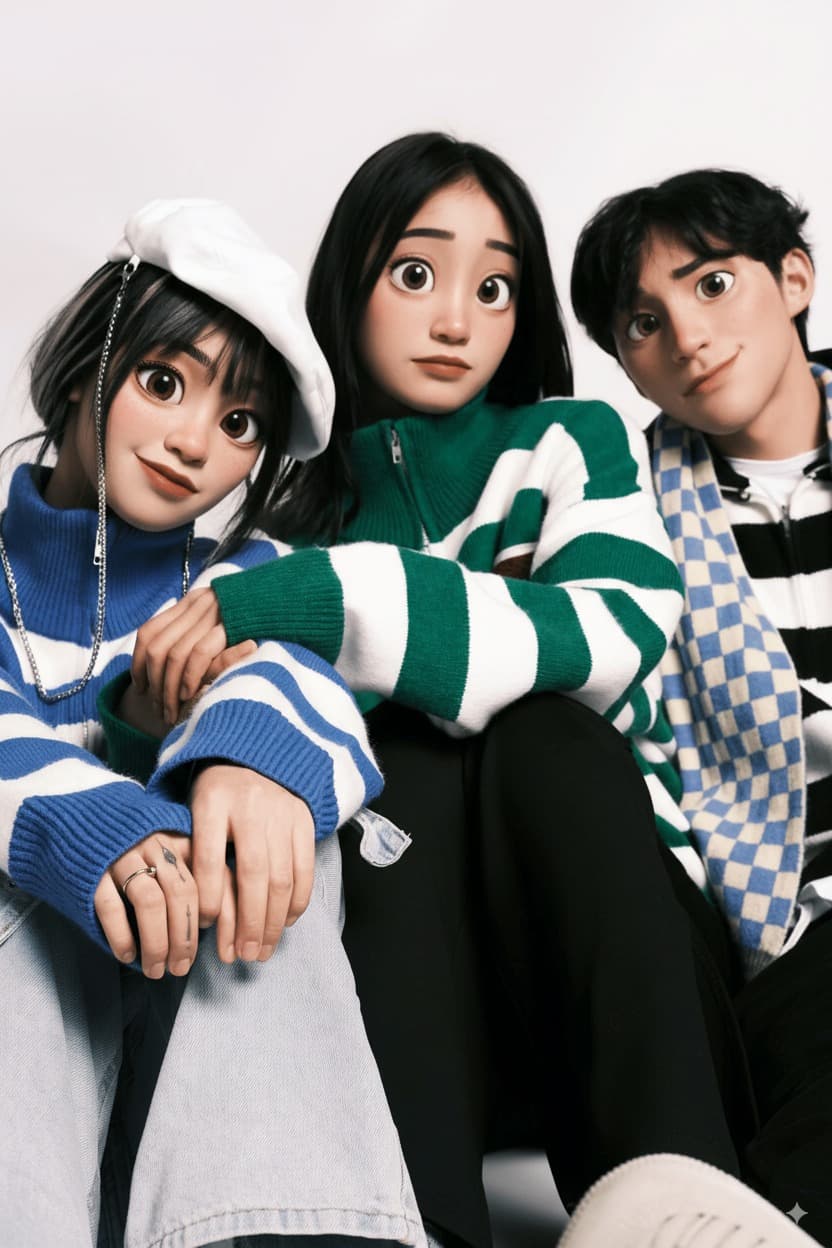
After
How to Use the 3D Animation Filter
Upload Photo
Upload any photo from your device
Select 3D Animation
Choose this style from the selector
Generate
Click generate and wait a few seconds
Download
Download your transformed image
About the 3D Animation Style
3D computer animation has transformed the entertainment industry since its earliest experiments in the 1970s. The foundational work began at the University of Utah, where researchers like Ed Catmull (later co-founder of Pixar) developed techniques for rendering three-dimensional objects on screen. The first fully computer-generated short film to win an Academy Award was "Tin Toy" (1988), produced by Pixar, and the studio's "Toy Story" (1995) became the first feature-length 3D animated film, forever changing the animation landscape. The distinctive visual style of modern 3D animated films evolved through a deliberate artistic choice to embrace rather than hide the medium's characteristics. Characters feature smooth, plastic-like skin textures enhanced with subsurface scattering (a technique that simulates light passing through translucent materials like skin), large expressive eyes that can convey subtle emotions, and carefully stylized proportions that read as appealing and approachable. Lighting in these films uses cinematic techniques adapted from live-action filmmaking, including depth of field, ambient occlusion for soft shadows, and warm color temperatures that create inviting atmospheres. Studios like Pixar, DreamWorks, Illumination, and Blue Sky each developed their own variations, but all share core principles: characters should be expressive, worlds should feel tangible, and the overall aesthetic should balance stylization with just enough realism to create emotional connection.
Tips for Best Results
- ✓Clear, well-lit headshots with the face directly facing the camera produce the most accurate 3D character conversions.
- ✓Smiling photos work especially well since the 3D animation style excels at cheerful, expressive characters.
- ✓Photos with solid or simple backgrounds let the AI focus on creating a detailed 3D character.
- ✓Good lighting on the face is essential for the AI to accurately render 3D skin textures and shading.
Best Photo Types
Use Cases
- •Creating fun 3D animated versions of family members as gifts
- •Making unique animated-style profile pictures for social media
- •Designing custom 3D character art for personal projects
- •Producing memorable animated-style portraits of children and pets
Credits start at $3 for 10 images or 1 video
Frequently Asked Questions
Will the 3D animation style make me look like a specific movie character?
No, the AI creates a unique 3D animated character based on your actual facial features, hairstyle, and expression. The style is inspired by the general aesthetic of modern animated feature films rather than copying any specific character.
What makes the 3D animation look so realistic yet stylized?
The AI applies techniques used in professional 3D animation: subsurface skin scattering for natural-looking skin, ambient occlusion for soft realistic shadows, cinematic depth of field, and carefully balanced proportions that are stylized but grounded in real anatomy.
Does this work well for children's photos?
Yes, children's photos often produce fantastic results since the 3D animation style naturally emphasizes expressive eyes, smooth features, and cheerful coloring, which suit young faces beautifully.
Can I use this for a pet photo?
Absolutely. Pets, especially dogs and cats, translate wonderfully into the 3D animated style. The AI creates an expressive, character-like version of your pet that captures their personality.
How is this different from the Vector Art style?
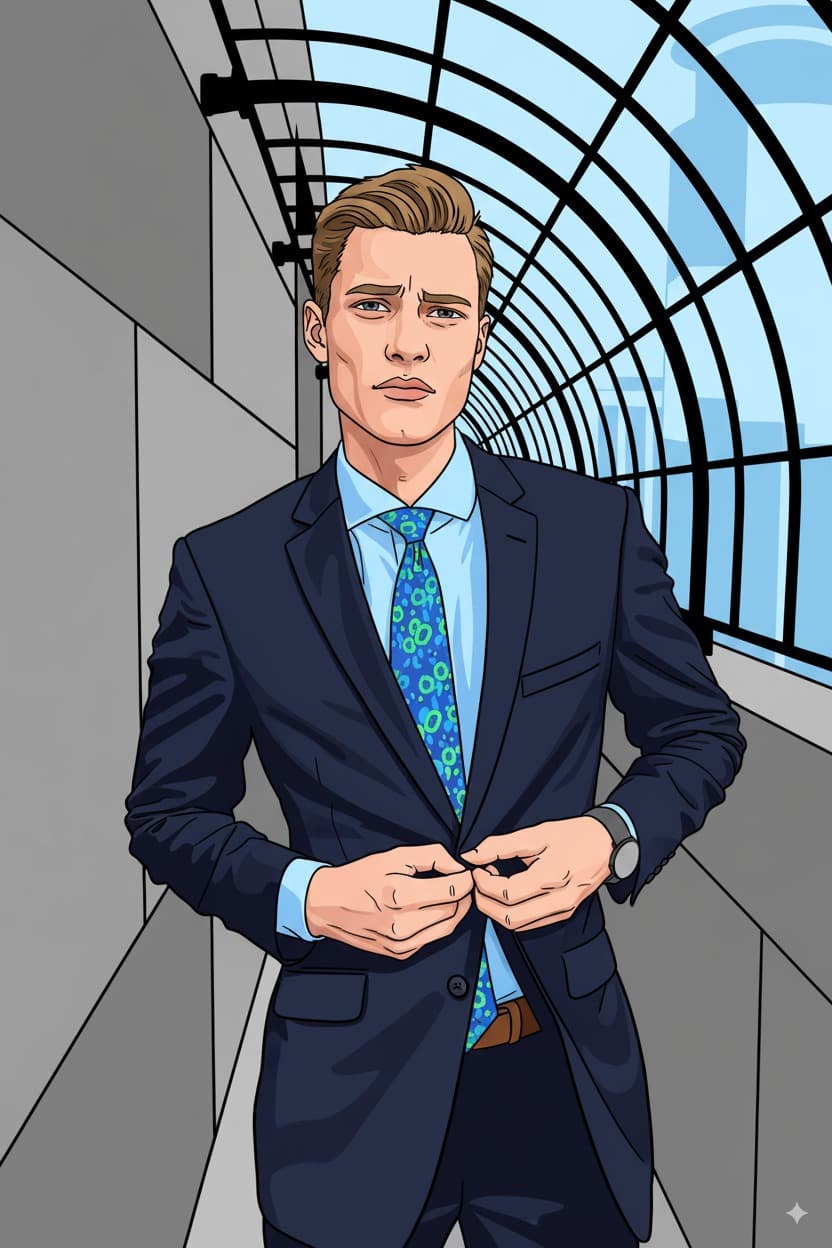
The 3D Animation style creates the illusion of a three-dimensional character with realistic lighting, shadows, and depth, similar to animated movie characters. Vector Art produces a flat, 2D graphic illustration with bold outlines and limited colors. They are very different visual approaches.
Related Styles
Ready to transform your photos?
Credits start at $3 for 10 images or 1 video