
Create a Perfect Passport Photo with AI Online
Generate compliant passport and ID photos instantly with AI. Proper background, lighting, and framing to meet official photo requirements. No studio visit needed.
Upload your image
Customise (optional)
Sign in to generate images
Credits start at $3 for 10 images
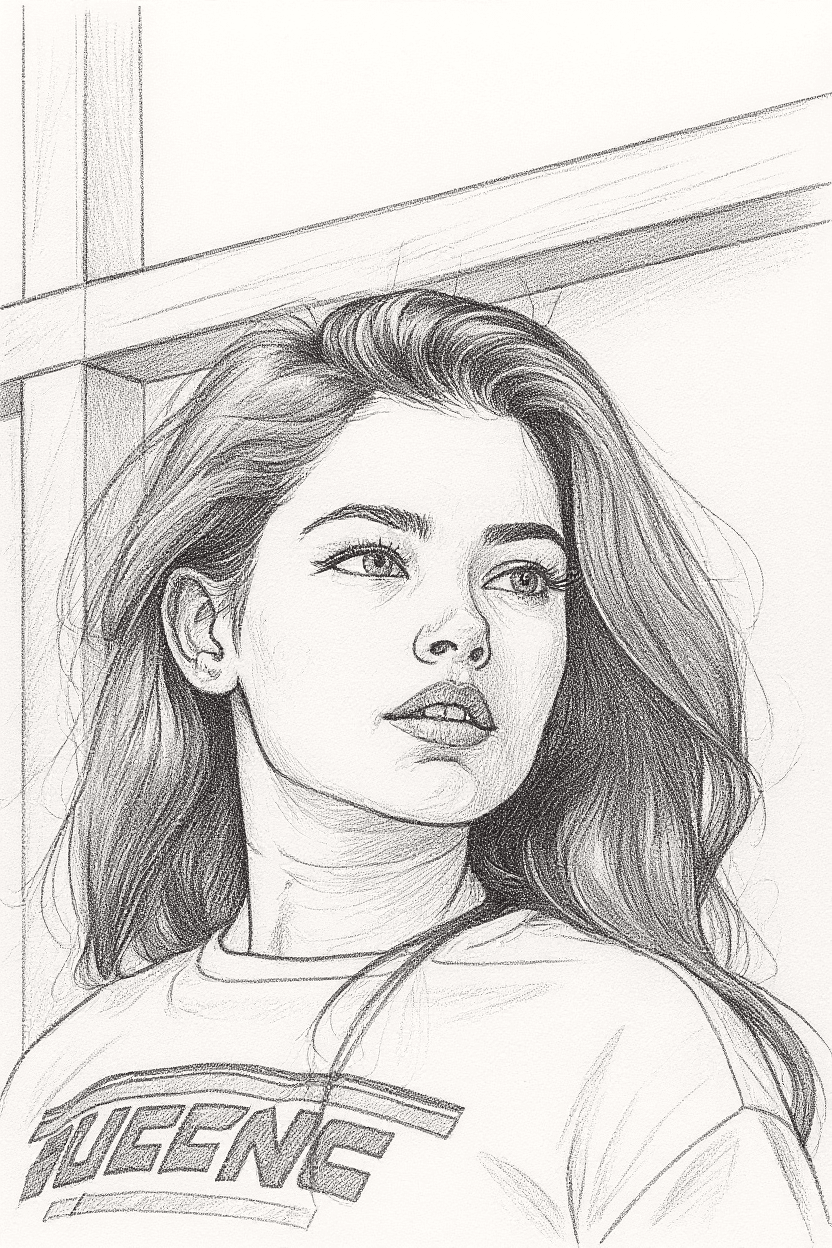
See the Transformation
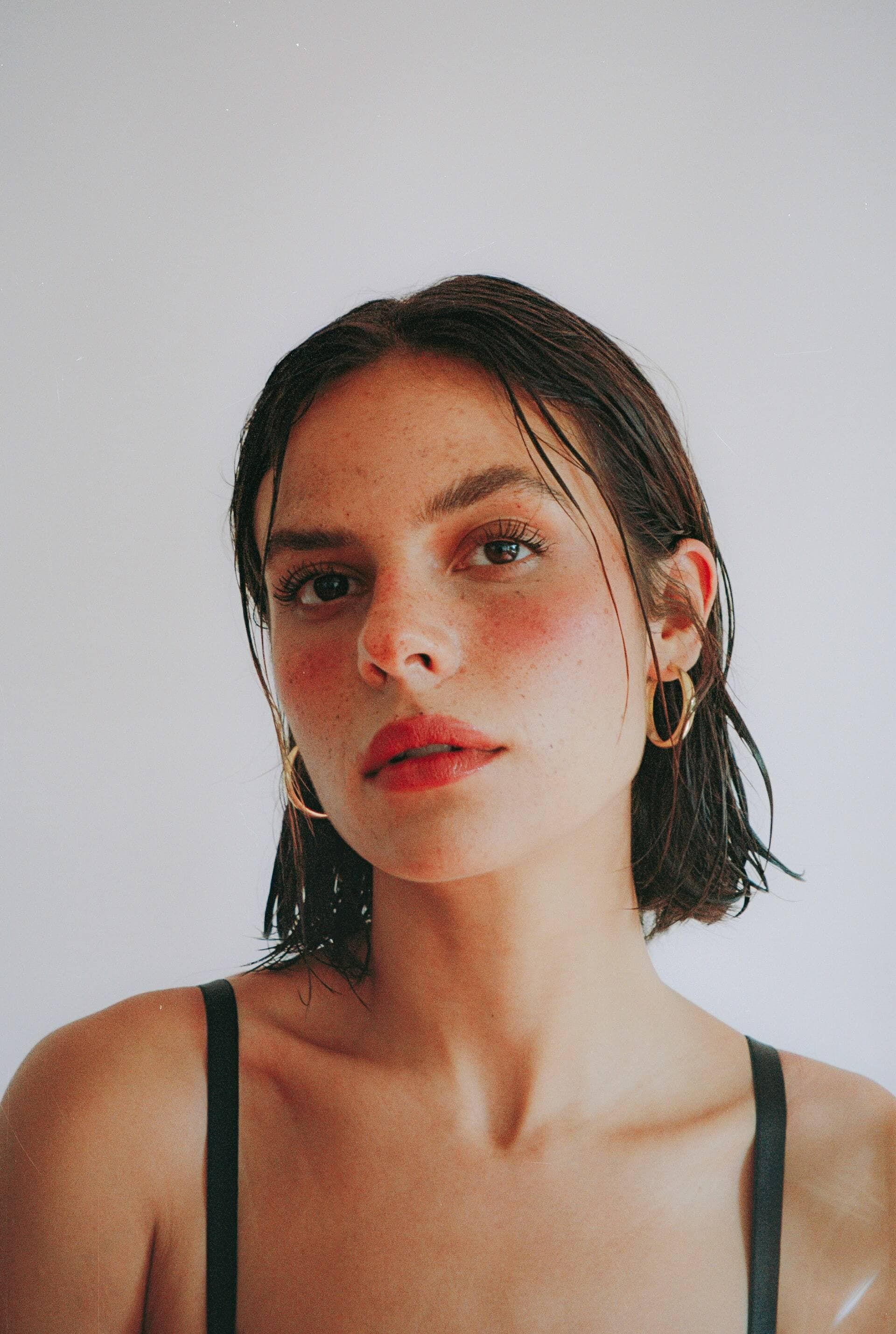
Before
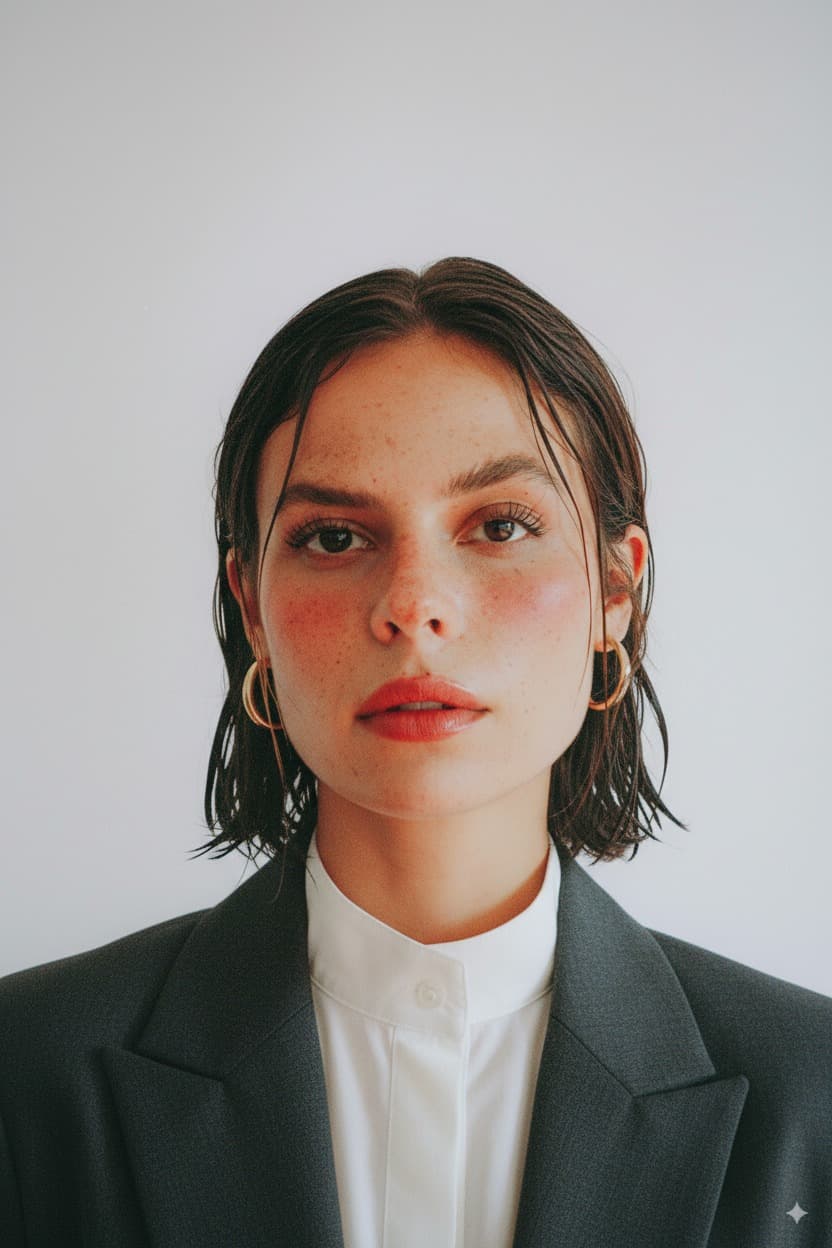
After
How It Works
Upload Photo
Upload any photo from your device
Select Style
Choose the Photo ID style
Generate
Click generate and wait a few seconds
Download
Download your converted image
Credits start at $3 for 10 images or 1 video
Frequently Asked Questions
Does the AI passport photo meet official requirements?
The AI generates photos that follow standard passport photo guidelines including proper background color, face centering, appropriate head size ratio, neutral expression, and even lighting. However, requirements vary by country, so we recommend verifying against your specific national passport authority guidelines before submission.
What kind of photo should I upload for best results?
Upload a clear, front-facing photo taken at eye level with even lighting on your face. A plain or simple background helps the AI process more accurately, though it will replace the background regardless. Avoid heavy shadows, tilted angles, or photos where hair covers your face.
Can I use this for visa applications and other official documents?
Yes, the output follows the standard photo specifications used by most passport offices and visa application centers. It is suitable for passports, national ID cards, driver license applications, and most visa applications. Always verify the specific size and format requirements for your document type.
How does this compare to a professional photo studio?
The AI produces results comparable to a professional photo studio at a fraction of the cost and time. The main advantages are convenience, unlimited retakes, and instant results. For critical applications, some users generate their photo with our tool and then verify it at a local pharmacy or office supply store print center.
More Conversions

Ready to convert your photos?
Credits start at $3 for 10 images or 1 video