
Convert Your Photo to Vector Art Style Online
Turn any photo into clean, bold vector-style artwork with AI. Get crisp lines, flat colors, and modern illustration aesthetics. Perfect for logos, avatars, and prints.
Upload your image
Customise (optional)
Sign in to generate images
Credits start at $3 for 10 images
See the Transformation
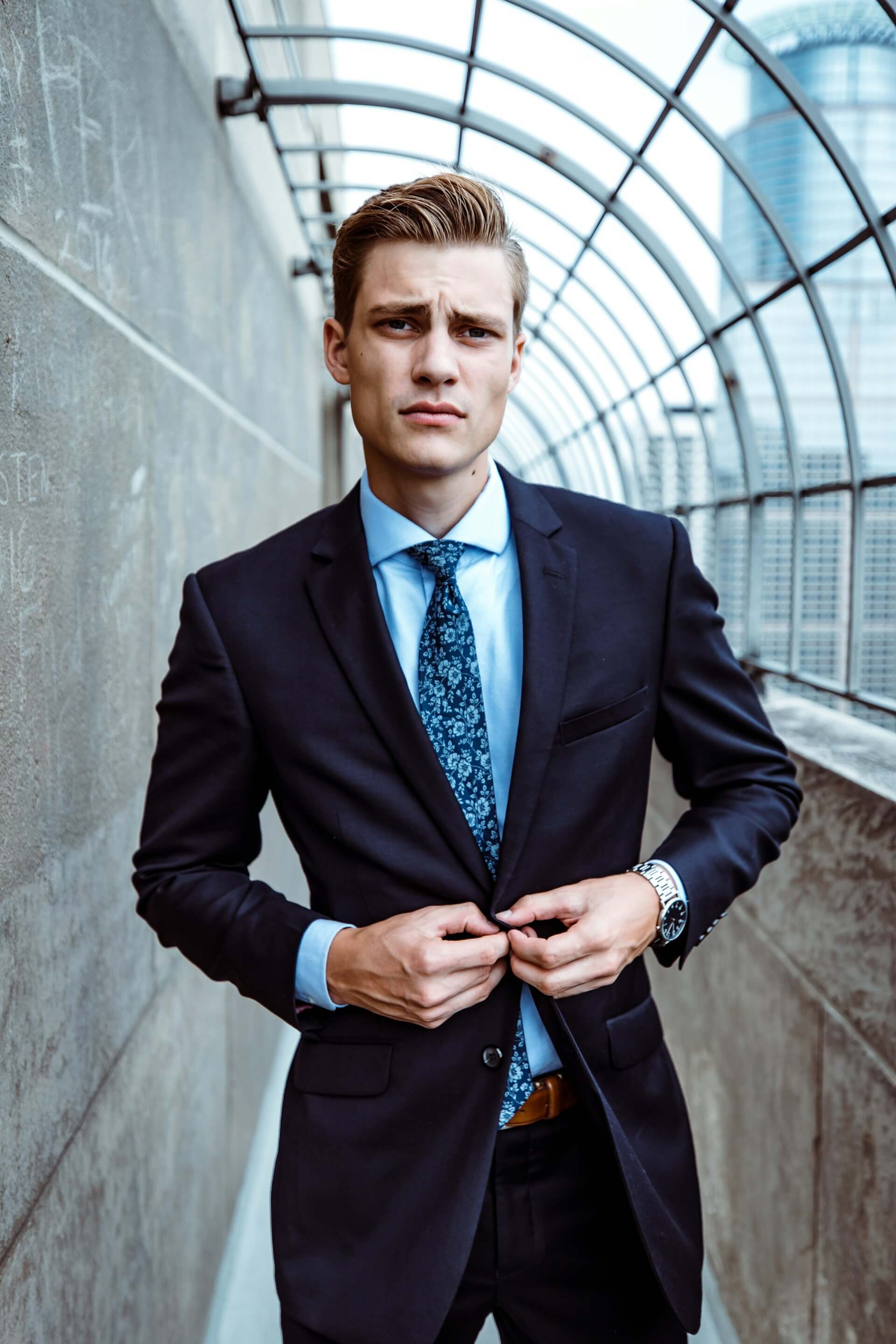
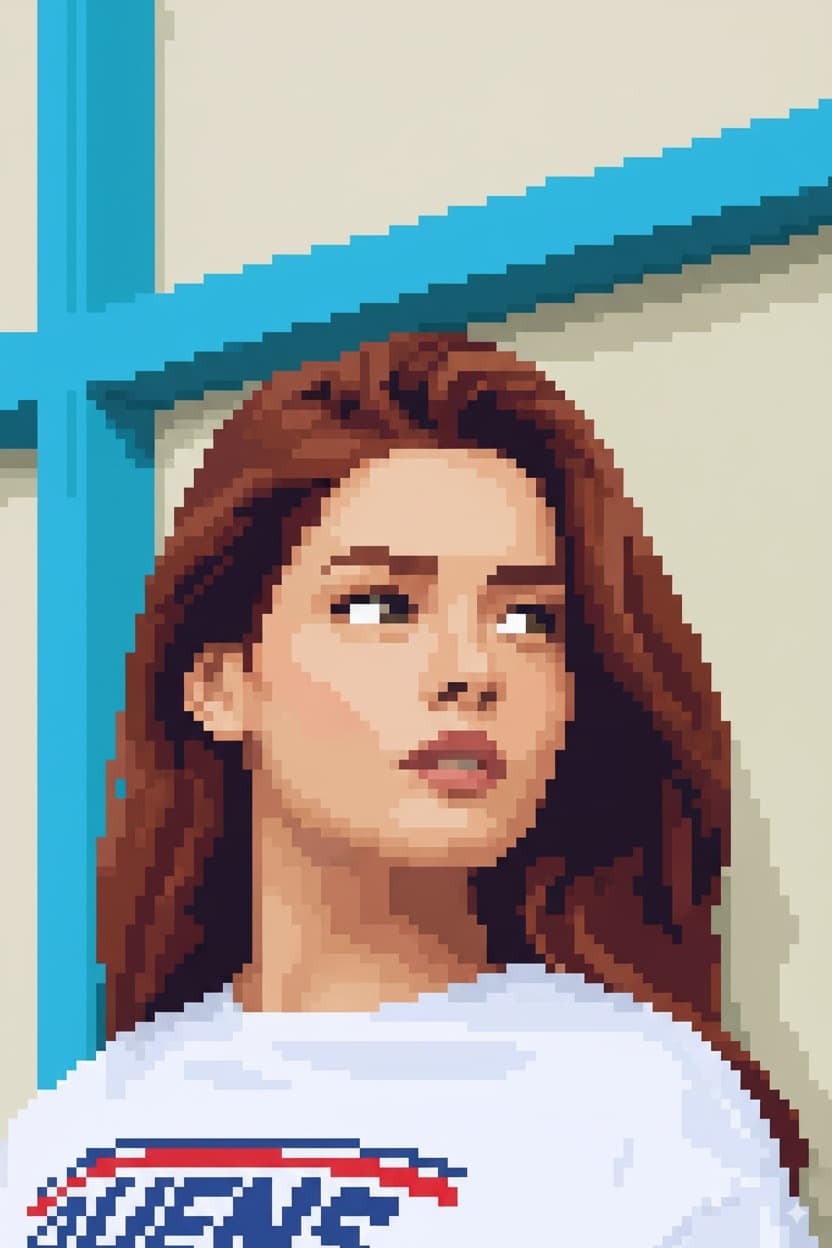
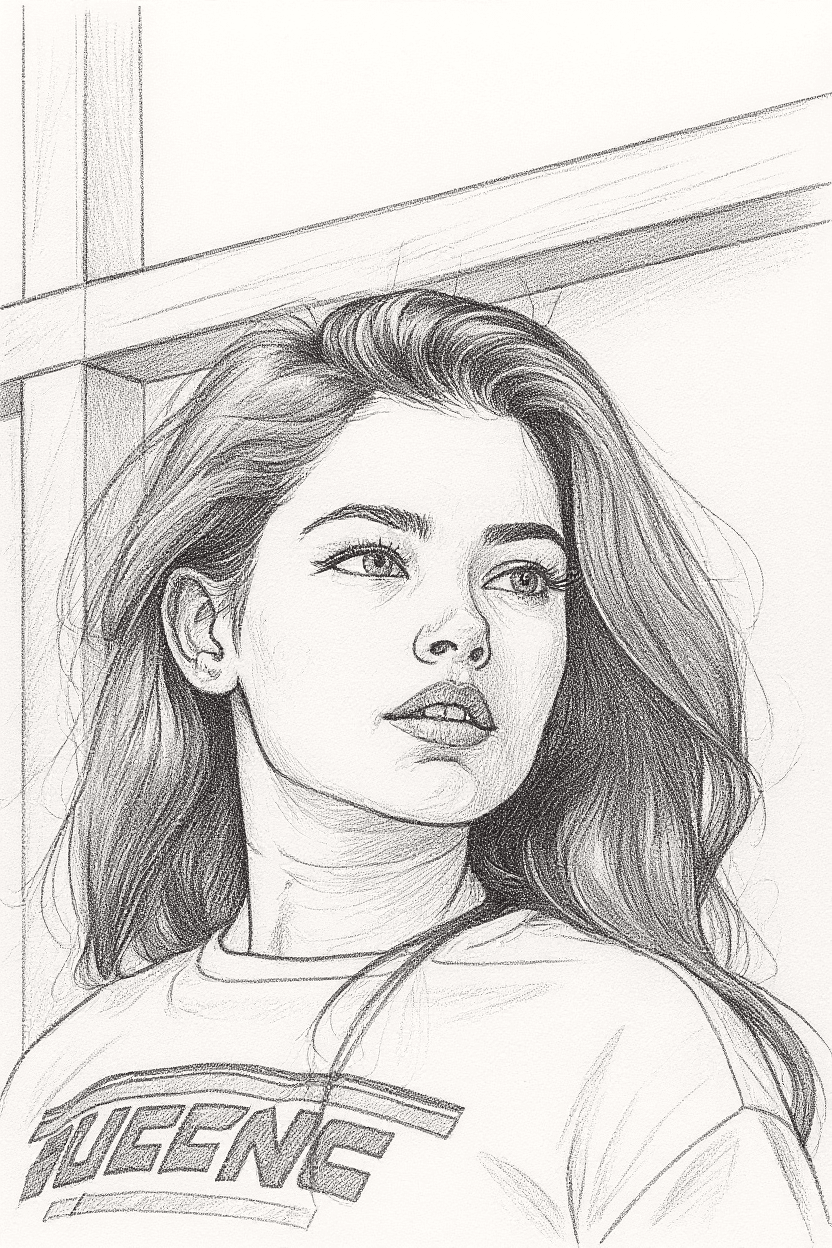
Before
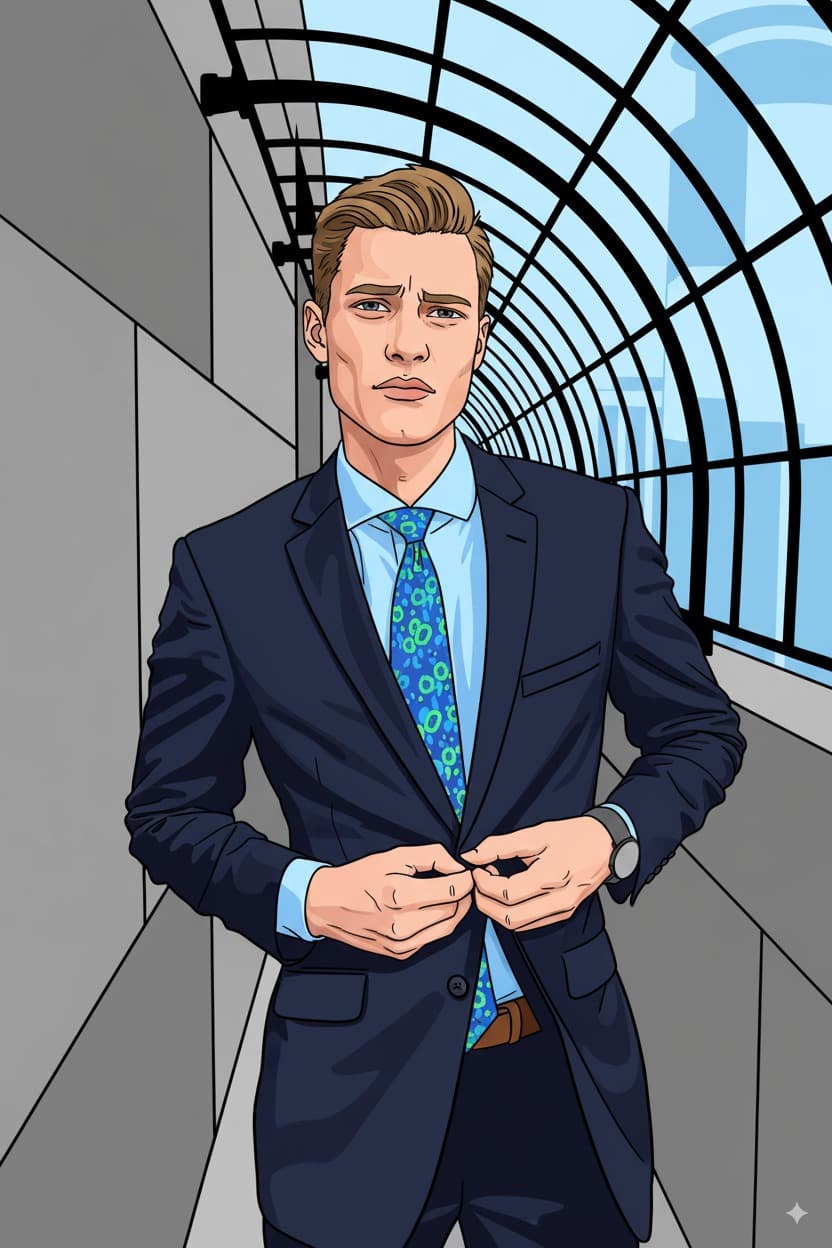
After
How It Works
Upload Photo
Upload any photo from your device
Select Style
Choose the Vector Art style
Generate
Click generate and wait a few seconds
Download
Download your converted image
Credits start at $3 for 10 images or 1 video
Frequently Asked Questions
Is the output an actual vector file like SVG?
The output is a high-resolution raster image rendered in vector art style with clean lines and flat colors. While it is not an SVG file, the clean graphic style means it scales well and can be easily traced into true vector format using tools like Adobe Illustrator if needed.
Can I use the vector art style for commercial branding?
Yes. You have full rights to use the generated artwork for any purpose including commercial branding, marketing materials, merchandise, and social media. The clean vector aesthetic is particularly well-suited for professional brand applications.
How many colors does the vector conversion use?
The AI selects an optimal color palette based on your image, typically using between 8 and 24 distinct flat colors. This creates the characteristic clean, graphic look of professional vector illustration while still capturing the essential color information from your original photo.
What images work best for vector art conversion?
Photos with clear subjects, good contrast, and relatively simple backgrounds produce the crispest vector results. Portraits, product shots, and architectural photos are excellent candidates. The AI handles complex images too, but simpler compositions yield the cleanest graphic output.
More Conversions
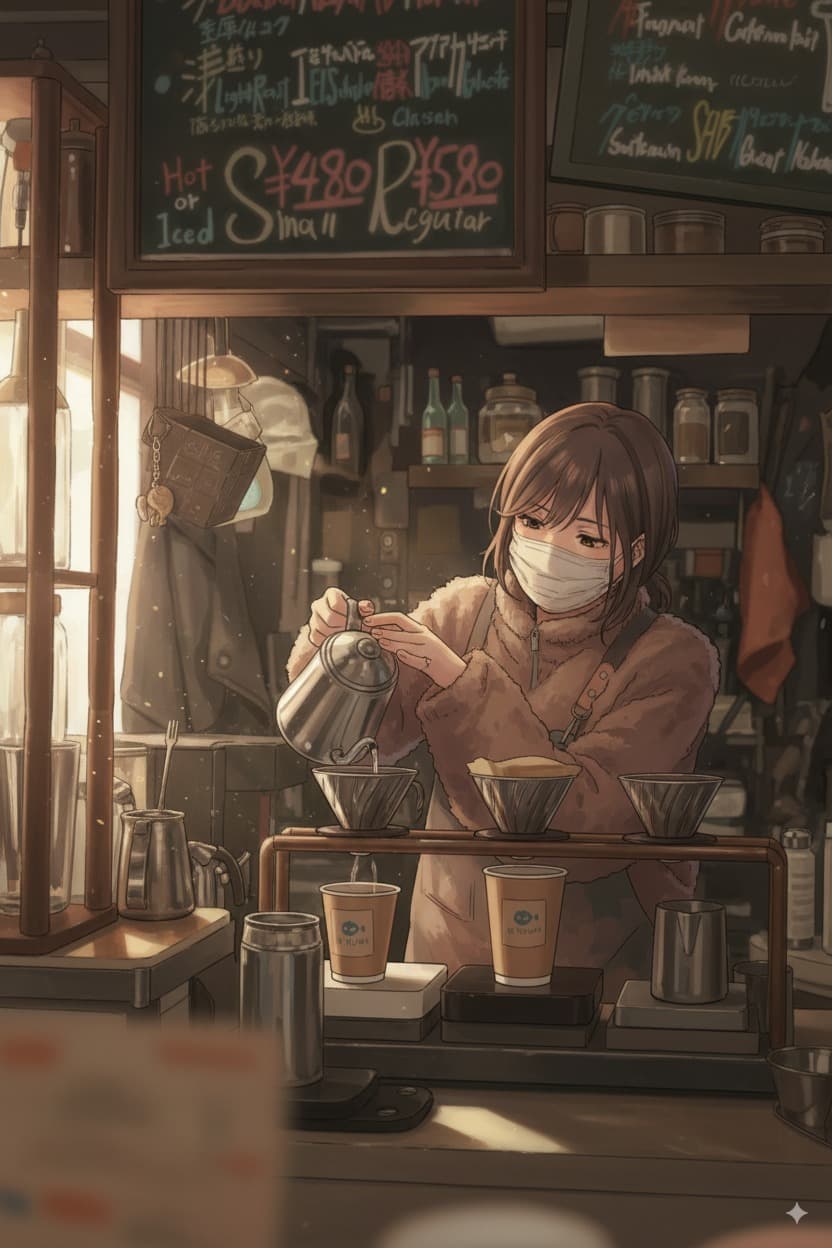
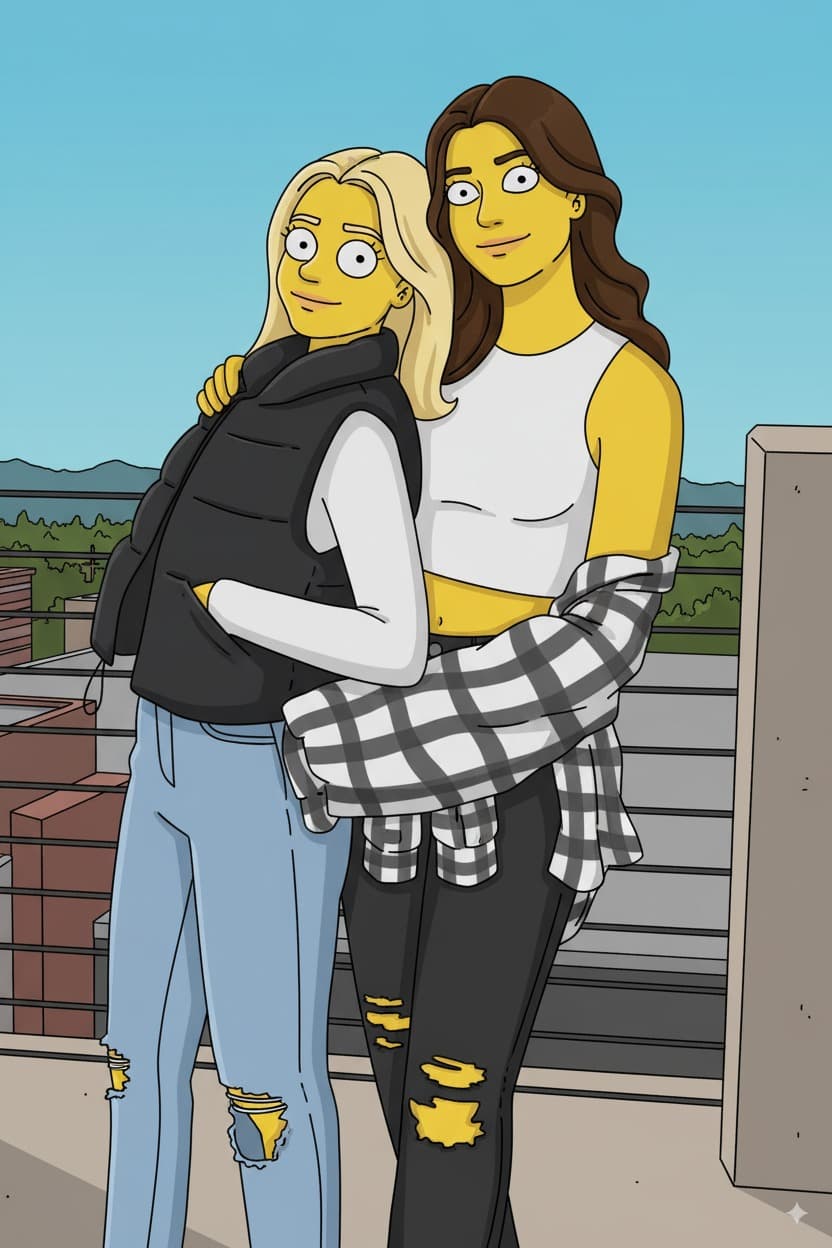
Ready to convert your photos?
Credits start at $3 for 10 images or 1 video